

CNC surface grinders are widely used in precision manufacturing due to their high precision and automation. However, during long-term operation, the equipment may experience wear and tear, malfunctions, and other problems.
Mastering basic maintenance techniques and troubleshooting methods is crucial for ensuring stable equipment operation and minimizing downtime.
As an important piece of precision machining equipment, the stable operation of CNC surface grinders directly affects production efficiency and processing quality. However, various malfunctions are inevitable during long-term use.
This article shares some maintenance techniques and solutions to common problems of this type of equipment to help operators better maintain the equipment.
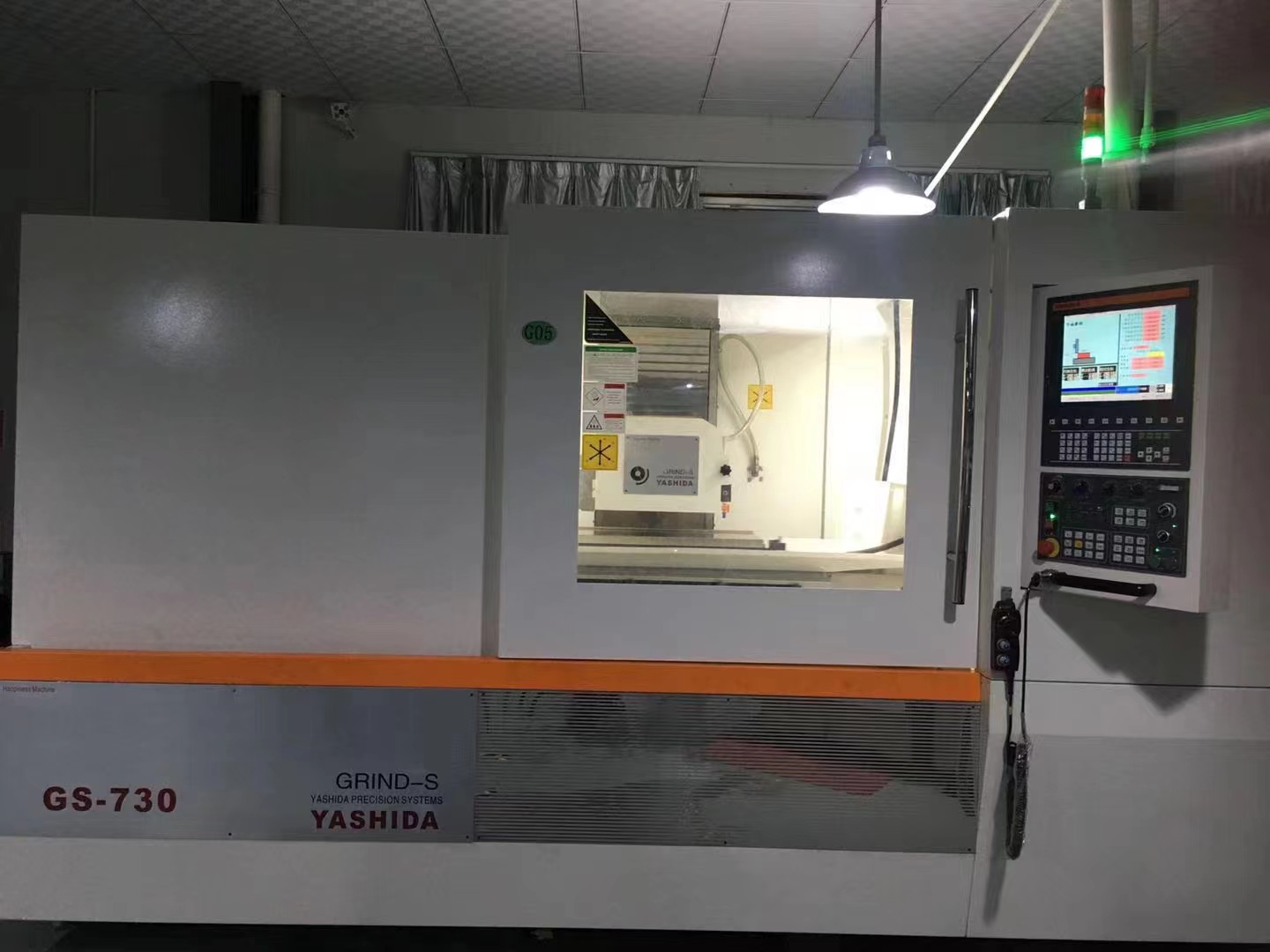
1. Abnormal Table Movement: If the worktable jams or vibrates during movement, first check the lubrication of the guide rails. Insufficient oil will increase friction, so special guide rail oil needs to be added promptly.
Secondly, check the guide rail surfaces for scratches. Minor scratches can be repaired with an oilstone; severe damage requires replacement of the guide rails.
2. Abnormal Spindle Noise: Abnormal spindle noise is often related to bearings. First, check if the bearing lubricating grease has deteriorated. If the grease is blackened or clumped, clean it and replace it with new grease.
If the abnormal noise persists, it may indicate bearing wear, requiring disassembly and inspection of the raceway wear.
3. Feed Mechanism Malfunction: When manual feeding is difficult, first check the lead screw nut clearance. If the clearance is too large, adjust the nut preload to restore accuracy. For CNC models, also check if the coupling between the servo motor and the lead screw is loose.
Unstable Pressure: Pressure fluctuations are usually caused by filter blockage. It is recommended to replace the hydraulic oil filter every 500 hours.
Also check for air leaks in the oil pump suction pipe; apply soapy water to the joint to check for air bubbles.
Overheating Oil: When the oil temperature exceeds 60℃, check if the cooler is working properly. Dust buildup on the heat sink will affect heat dissipation; clean it with compressed air.
If the oil is black or has a burnt smell, it indicates oxidation, and the entire oil should be replaced.
Hydraulic cylinder crawling: This phenomenon is often caused by air inside the cylinder. Repeated full-stroke movement of the hydraulic cylinder can vent the air. If this is ineffective, check if the seals are aging and causing internal leakage.
CNC System Alarms: When encountering an alarm code, first record the complete alarm information. Common alarms include "servo overload," which may be caused by a stuck mechanical transmission component. Manually rotate each axis to check the resistance.
Limit Switch Failure: If the equipment does not return to zero or overtravels, it is often due to poor contact of the limit switch. Use a multimeter to measure the switch's on/off state and clean the oxide layer on the contacts.
During installation, pay attention to adjusting the contact position of the stop block and the switch.
Motor Overheat Protection: When the ambient temperature exceeds 40℃, it is recommended to install a cooling fan. Regularly use a megohmmeter to check the motor's insulation resistance. A value below 1MΩ indicates that the windings are damp and need to be dried.
-Dynamic Balance Imbalance: Perform static balance testing on newly installed grinding wheels. If vibration occurs during use, use a dynamic balancing instrument to check and correct it by adjusting the position of the balance blocks.
Note that bolts should be tightened evenly during flange installation.
- Insufficient cutting force: In addition to checking if the grinding wheel grit is suitable, ensure the coolant flow rate is sufficient. A flow rate of no less than 20L/min is recommended, and the nozzle should be aligned with the grinding zone.
- Surface burns: Blue-purple oxide spots on the workpiece surface indicate excessive grinding temperature. Reduce the feed rate and ensure the coolant concentration is within the 4%-5% range.
1. Check the oil level before starting the machine daily. Regularly check the lubrication system, change the lubricating oil according to the schedule, and manually lubricate each lubrication point to ensure good lubrication of the guide rails and moving parts.
2. Keep the equipment clean. Regularly remove grinding dust and clean the worktable and guide rails. Clean iron filings from the magnetic separator weekly and check belt tension to prevent impurities from entering precision parts.
3. Pay attention to the maintenance of the cooling system. Ensure sufficient coolant before grinding, and then clean the filter and pipelines to prevent blockage and overheating.
4. Regularly inspect the electrical system, paying particular attention to wiring connections and ensuring proper machine grounding. Regularly inspect the electrical control cabinet to prevent electrical faults.
For complex faults, it is recommended to contact the equipment manufacturer's technical support. Always disconnect the power and display warning signs during maintenance. Back up any modifications to CNC system parameters.
Remember, preventative maintenance is more important than post-failure repair; proper daily maintenance extends equipment lifespan.
Most common problems can be effectively resolved using the above methods. In actual operation, pay attention to safety regulations and accumulate experience by recording fault symptoms and handling processes; this will be very helpful for quickly diagnosing faults in the future.
Daily Maintenance Techniques
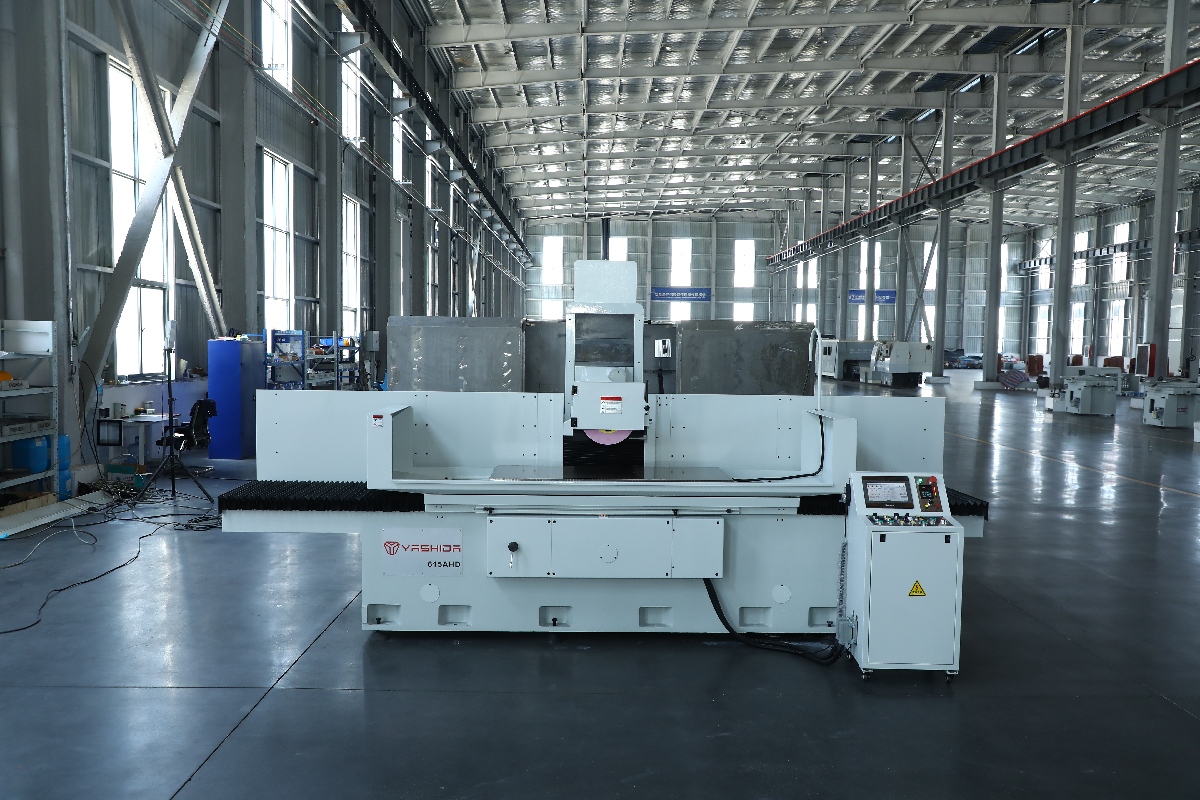
1. Equipment cannot start
Possible causes: Power failure, emergency stop not reset, electrical problem.
Solution: Check the power supply, reset the emergency stop, and check the electrical system.
2. Poor Surface Roughness
Possible Causes: Grinding wheel wear, improper parameter settings, machine tool vibration
Solutions: Dress or replace the grinding wheel, optimize machining parameters, improve machine tool stability
3. Unstable Dimensional Accuracy
Possible Causes: Thermal deformation, calibration error, guide rail wear
Solutions: Preheat before machining, recalibrate, maintain guide rails
4. Abnormal Operating Noise
Possible Causes: Loose components, damaged bearings, insufficient lubrication
Solutions: Tighten components and replace bearings; add lubrication
5. CNC System Alarm
Possible Causes: Program error, sensor failure, system overload
Solutions: Check alarm codes, inspect the program, and then restart the system
During the use of CNC surface grinding machines, we must always pay attention to problems. Timely maintenance, avoiding overload operation, and setting reasonable machining parameters and regularly calibrating the equipment are crucial.
Therefore, standardized maintenance and timely troubleshooting are key to ensuring the stable operation of CNC surface grinders. Scientific management can effectively improve production efficiency and extend equipment lifespan.

Recommended grinding machines:
YASHIDA 525CNC surface grinder
YASHIDA 3060APS surface grinder
Learn more about surface grinders:
How to Perform Mirror grinding on a High-Precision Grinding Machine
How to Control Surface Roughness of High-precision CNC surface grinding machines
The Influence of Temperature on Machining Accuracy of surface grinding machines
How to Improve Surface Roughness in Grinding
This website uses cookies to ensure you get the best experience on our website.
 Español
 Portugues
 Pусский
 العربية



 Phone
Phone
Comment
(0)